MapleStory Classic World is live: October 21 launch, Founder’s Access and packs
MapleStory Classic World launched October 21 at 11:14 AM PDT and is open to everyone. The three packs, Founder's Access items and how to play on Steam.
Update, October 22: Classic World is live. Nexon confirmed the global launch on October 21 at 11:14 a.m. PDT, and the game is open to everyone through the Nexon Launcher and Steam.
Global MapleStory Classic World opened to everyone on October 21, 2026. If you bought a Founder’s Package that includes Founder’s Access, you have been playing since October 6. The Zakum Package sale ended on October 14 at 11:59 PM PDT (October 15 at 06:59 UTC). Here is what Nexon and the Steam store page confirm.
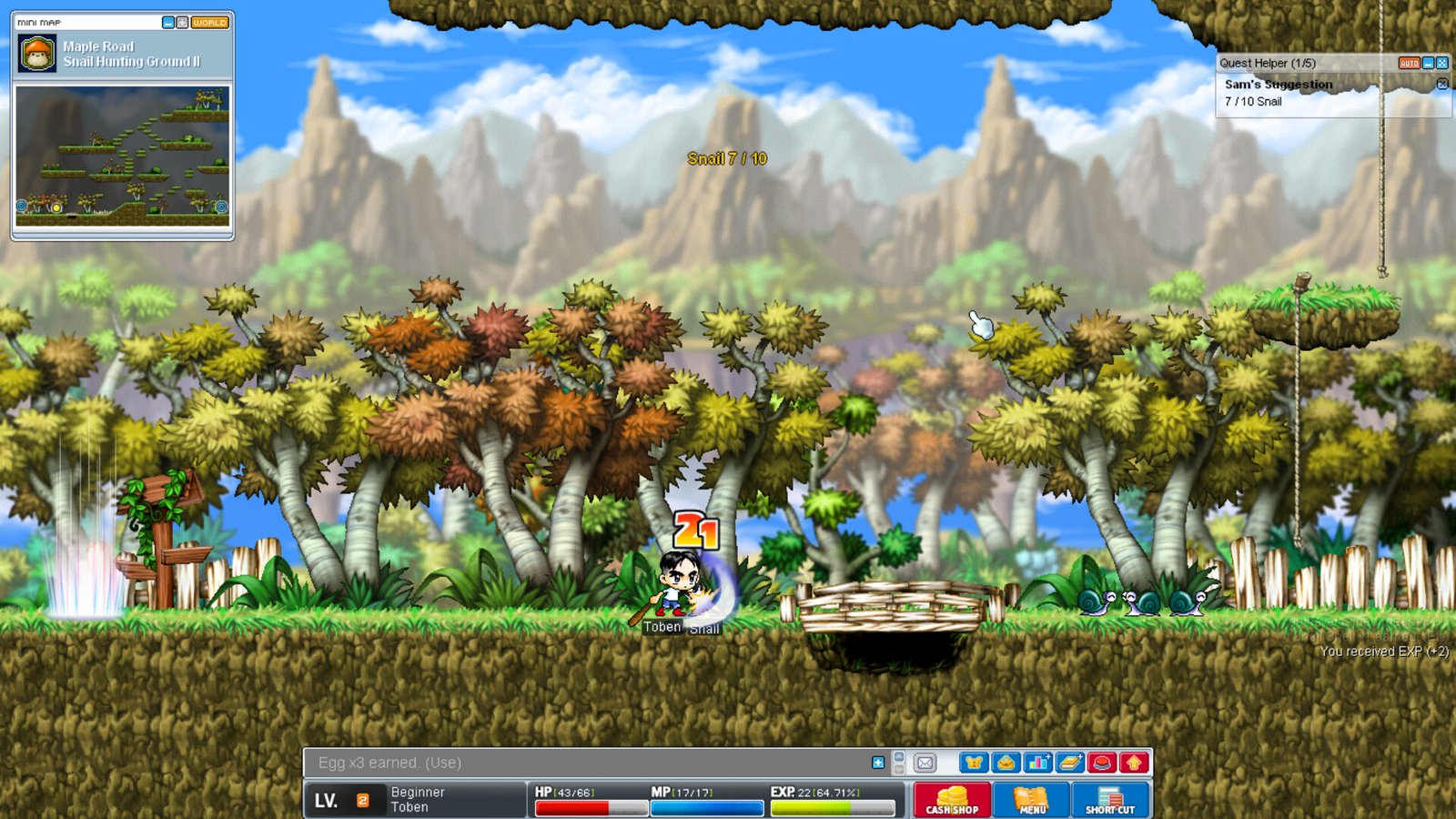
Classic World is MapleStory as it was at launch, with what Nexon calls “gameplay improvements, balance adjustments, and quality of life changes” for modern players. It runs on Windows and macOS, through the Nexon Launcher or Steam.
Key dates
- October 6, 2026: Founder’s Access opened for Orange Mushroom and Zakum Package owners. No beta key is needed.
- October 14, 11:59 PM PDT: Zakum Package sales ended. Per Nexon, upgrades of a Snail or Orange Mushroom Package also closed then (packages can’t be downgraded).
- October 21, 2026, 11:00 AM PDT (18:00 UTC): Grand Launch on the Nexon Launcher and Steam, according to Nexon’s Classic World FAQ.
- November 30, 2026, 11:59 PM UTC: deadline to collect Zakum Package items from your in-game mailbox. Anything left unclaimed expires.
Progress made during Founder’s Access carries over to the Grand Launch. No wipe has been announced.
The packages
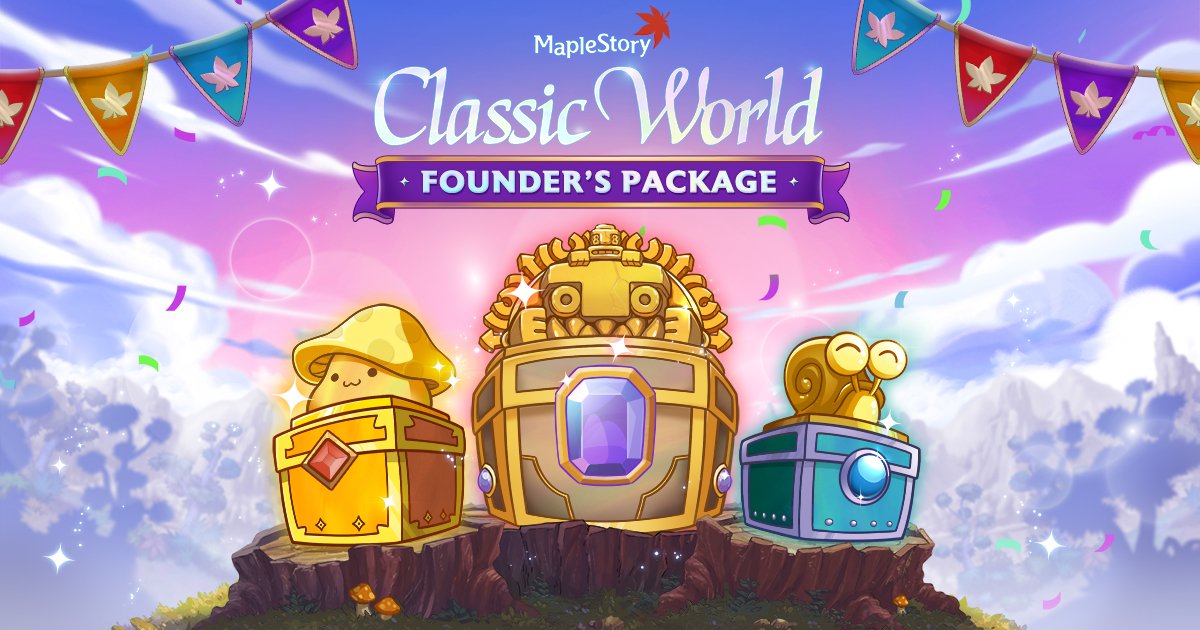
Nexon sells three Founder’s Packages. Only two of them come with early access:
- Snail: Founder’s items, but no Founder’s Access. You start playing on October 21.
- Orange Mushroom: includes Founder’s Access. Sold on the Nexon website.
- Zakum: includes Founder’s Access. It is the only package sold on Steam as well as on Nexon’s site, and the content is the same on both.
Founder’s Access is tied to the account that bought the package, so you can’t share it with another Nexon account.
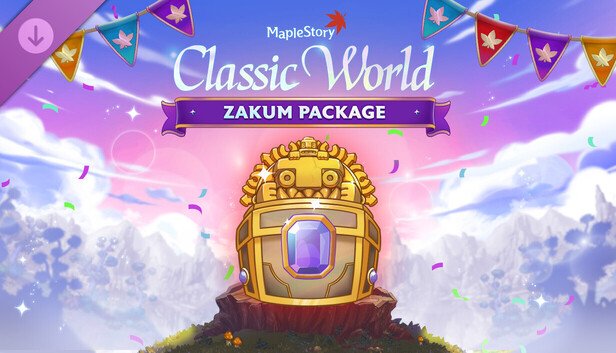
What’s in the Zakum Package
According to the Steam listing, everything in it is cosmetic and grants no stats or bonuses:
- Founder’s Access from October 6
- Mark of the Founder hat in black, brown and tan
- Three Founder’s Effects (a floating Maple Leaf above your head): Radiance, Glow and Glimmer of the Founder
- 50 Jr. Balrog Invasion transformations (10 minutes each, visual only, 90-day duration)
- Three outfit sets that any job can wear: Well-Loved, Founder’s Thief and Manji’s
- Founder’s Ring Coupon with a Chat Ring (wooden sign speech bubble) and a Label Ring (name on a weathered sign)
There are a few rules to know. Items arrive in your mailbox automatically on your first login, but you have to leave Maple Island before you can open them. Once you take the package out of the mailbox, you have 30 days to open it. You can buy it once per account on each platform (once on Nexon’s site and once on Steam), and one purchase already gives you everything. The items only work in Classic World.
Playing through Steam
On Steam, Classic World is DLC: the store page says it “requires the base game MapleStory on Steam in order to play”. So you need regular MapleStory installed first. If you bought the Zakum Package on Steam, Nexon says you can play through either the Nexon Launcher or Steam.
These are the system requirements listed on Steam:
- Windows, minimum: Windows 10 64-bit, Core 2 Duo 3.0 GHz or Athlon 64 X2 3.0 GHz, 8 GB RAM, GeForce 9600 GT or Radeon HD 5670, 60 GB of storage, DirectX 11.
- Windows, recommended: Core i3 4.0 GHz or Ryzen 3 3.5 GHz, 8 GB RAM or more, GTX 1050 or RX 570, 60 GB on an SSD.
- macOS: Sequoia 15.0 on Apple Silicon (M1 or newer), with 8 GB RAM minimum and 16 GB recommended, plus 60 GB of storage.
Before the 21st
- Playing on Steam? Install MapleStory now. Classic World depends on it, and installing it now saves you from waiting on launch day.
- Check you’re on the right account. Founder’s Access only works on the Nexon account that bought the package.
- Leave Maple Island, then open your mail. Package items can’t be opened until you do, and they expire if you don’t claim them by November 30.
- Play now. The Grand Launch opened to everyone on October 21.
Want more on this? Read MapleStory Classic World: how to start, from install to your 2nd job. Everything else on MapleStory lives in our MapleStory hub.
Official sources
- Nexon: MapleStory Classic World Frequently Asked Questions
- Nexon: Global MapleStory Classic World Founder’s Package
- Steam: MapleStory Classic World – Zakum Package
- MapleStory (YouTube): IGN Live 2026 Special Trailer
At MapleStory Fest on October 17, Nexon showed the Classic World roadmap: housing at Grand Launch, Forgotten Hollow on November 18 and guilds on December 9. The Grand Launch maintenance runs October 21 from 6:00 to 11:00 a.m. PDT. Full recap in our MapleStory Fest 2026 post.